
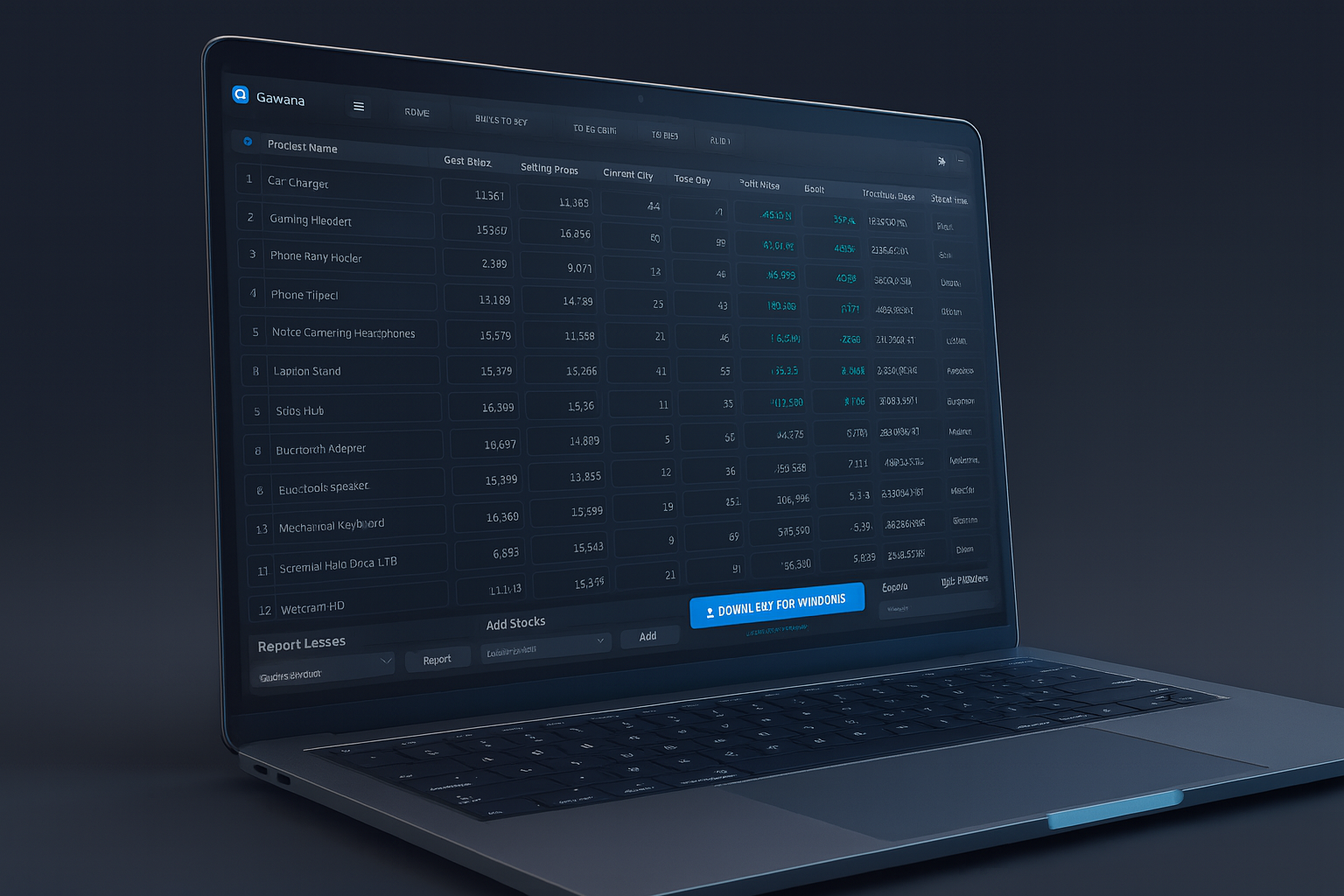
Go9 Edge Overview
Go9 Edge is a comprehensive desktop application designed for managing business operations across multiple branches. It provides tools for inventory management, sales processing, financial tracking, and targeted advertising—all with local data storage for security and offline accessibility.
Platform
Windows Desktop
Architecture
x64
Data Storage
Local Database
License
Proprietary
Core Features
-
Main DashboardConsolidated view of business metrics including sales totals, cash flow, receivables, and quick access to all modules with recent activity tracking.
-
Products & Inventory ManagementComplete product catalog with support for cost price, selling price, quantity tracking, units, brands, and payment methods. Includes validation for price integrity.
-
Sales & Receipts ProcessingHandle both immediate and credit sales with detailed receipt generation. Supports partial payments, tax calculations, and printing capabilities.
-
Debts & Creditors TrackingMonitor and manage debts with creditor details, purchase dates, amounts, and payment tracking with balance calculations.
-
Smart Notifications SystemReal-time alerts for low stock levels and subscription offers. Notification cards with activation options and mark-as-seen functionality.
-
Advanced Advertising PlatformPublisher tools for creating targeted ads with audience selection, budget control, Markdown support, and contact integration.
-
Subscription ManagementPlan selection interface with promotional bonuses, pricing display, and payment processing with activation tracking.
-
Analytics & ReportingInteractive charts, profit/loss analysis, exportable reports with date range filtering and branch-specific insights.
Advertising Features
-
Publisher InterfaceCreate campaigns with name, audience targeting, budget controls, Markdown content, contact details, and geographic targeting.
-
Ad Viewer ExperienceExpandable notification cards displaying campaign content with clickable contact links and rendered Markdown formatting.
-
Campaign ControlsSet start/end dates, repetition frequency, audience size limits, and visual styling preferences for ad presentation.
Creating an Advertisement
- Open the Ads/Publisher module from the main dashboard
- Complete all campaign fields including target audience and budget
- Use the preview function to verify formatting and content
- Publish the campaign for immediate availability to viewers
Security & Privacy
Go9 Edge operates with local data storage, ensuring your business information remains secure and private.
Data Privacy
Local Storage Only
Tracking
None
Ads in Software
None
Internet Required
Optional Features Only